
A tour in five chapters
Everything the app does, page by page.
Storybook Bible is an illustrated Bible storybook for iPhone, iPad and Android: stories written for four ages, maps of where they happened, the full Bible text, activities for afterwards, and a record of what you’ve read.
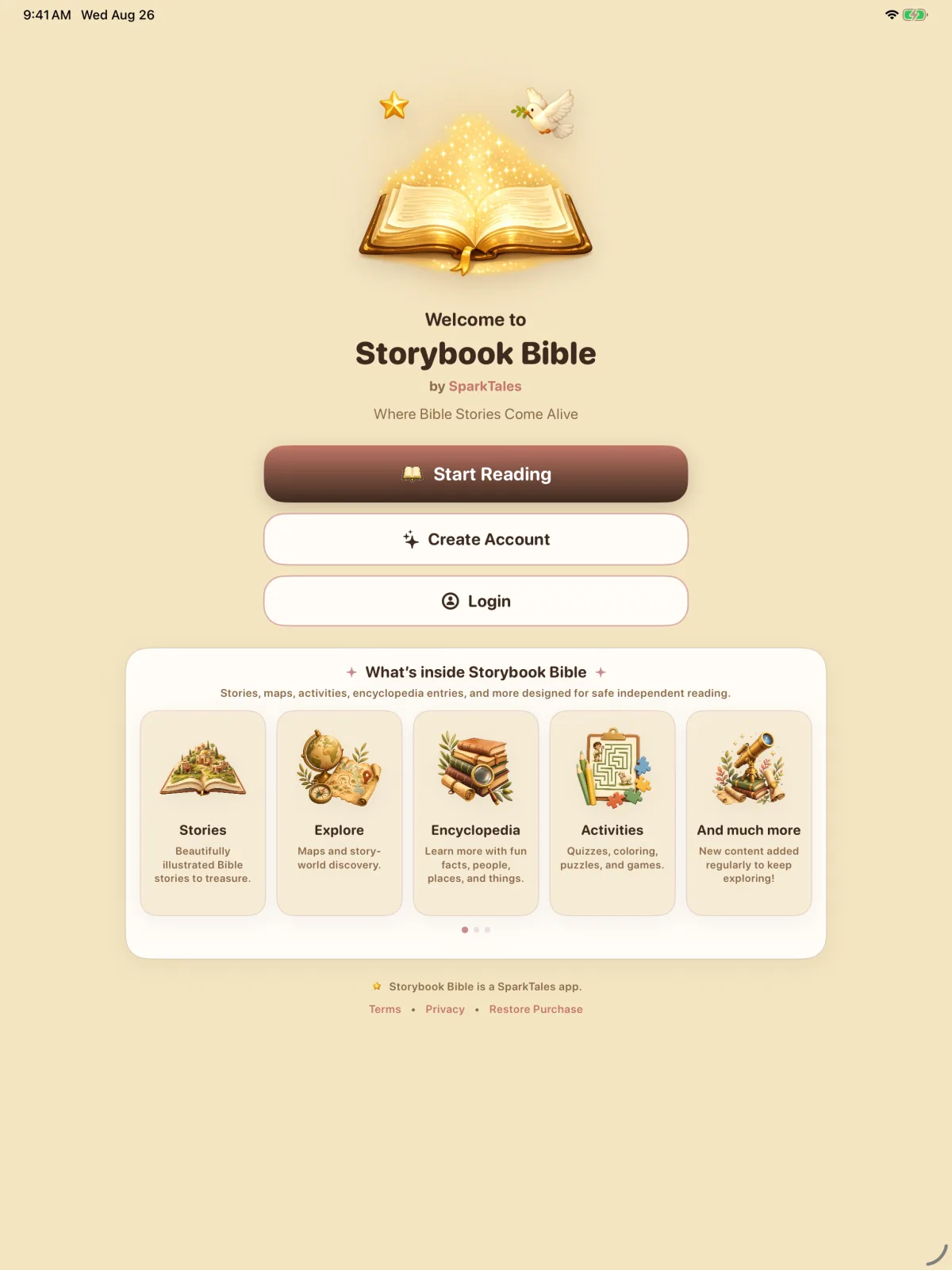
Chapter I · Reading
A story in four moments.
Jesus Calms the Storm, Mark 4, followed from its title screen to the recap after its last page.
Choose a story
Meet Jesus Calms the Storm on its title screen, with its passage, reading time and a short introduction. Download it to read offline, then open the story.
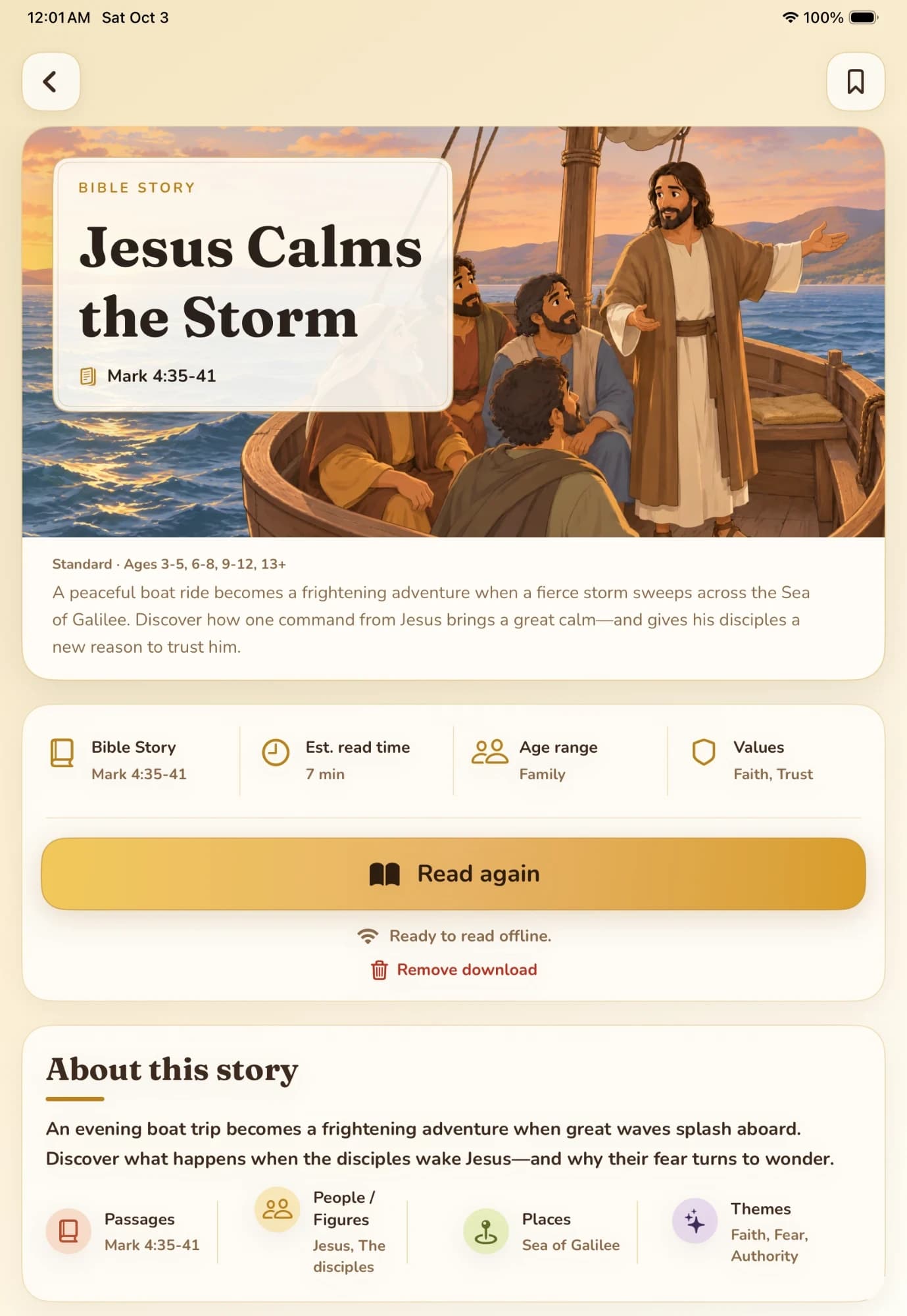
Jesus Calms the Storm · The title screen · Mark 4:35–41 Open a story
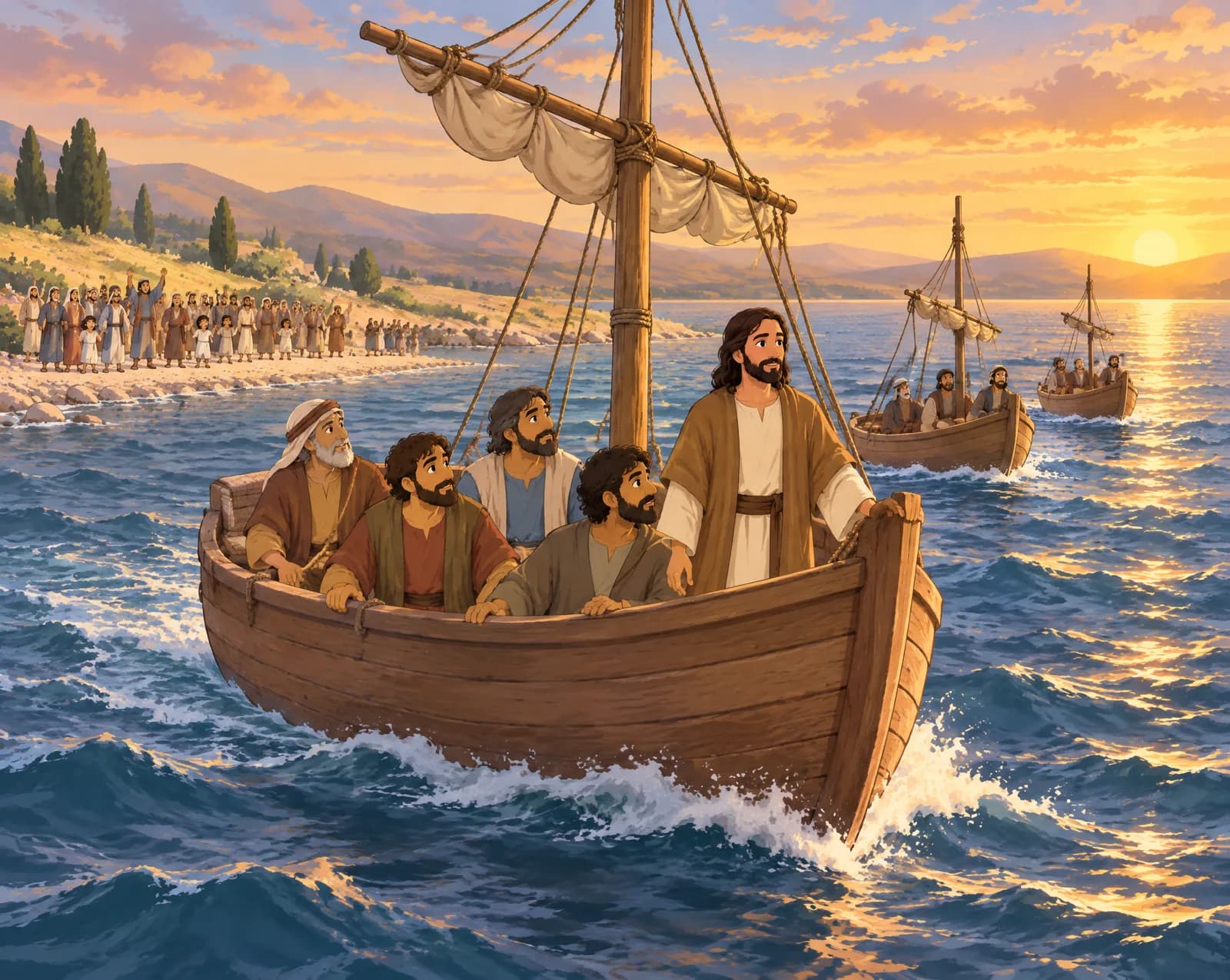
Open the story and the boat sets out across the evening water, the crowd left behind on the shore. A downloaded story opens with no connection at all.
 2
2Jesus Calms the Storm
Leaving the Shore
The disciples took Jesus with them in the boat, leaving the crowd behind. Other small boats came along too. Together, they moved away across the evening water.
Mark 4:36
Jesus Calms the Storm · Page 2 of 9 · Mark 4:36 Turn the page
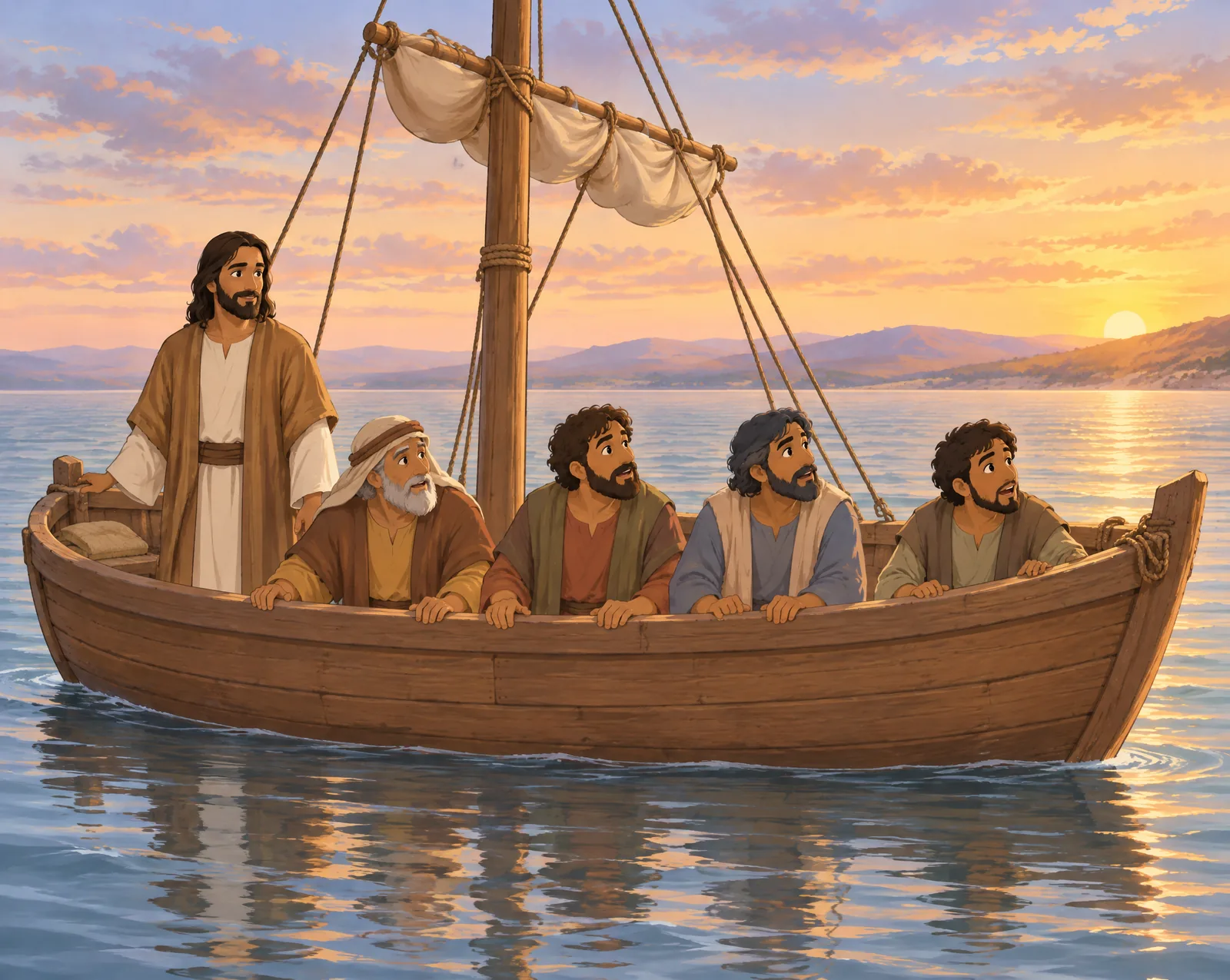
Each page sets the whole illustration above the text for the reader’s age — here, the moment the wind drops and the sea falls still.
 7
7Jesus Calms the Storm
A Great Calm
The wind stopped. The great waves settled, and the sea became wonderfully calm. Around the boat, the water was still.
Mark 4:39b
Jesus Calms the Storm · Page 7 of 9 · Mark 4:39b Finish together
When the last page turns, a short recap follows: stars earned, a summary, the memory verse, a quiz, and the story up next.
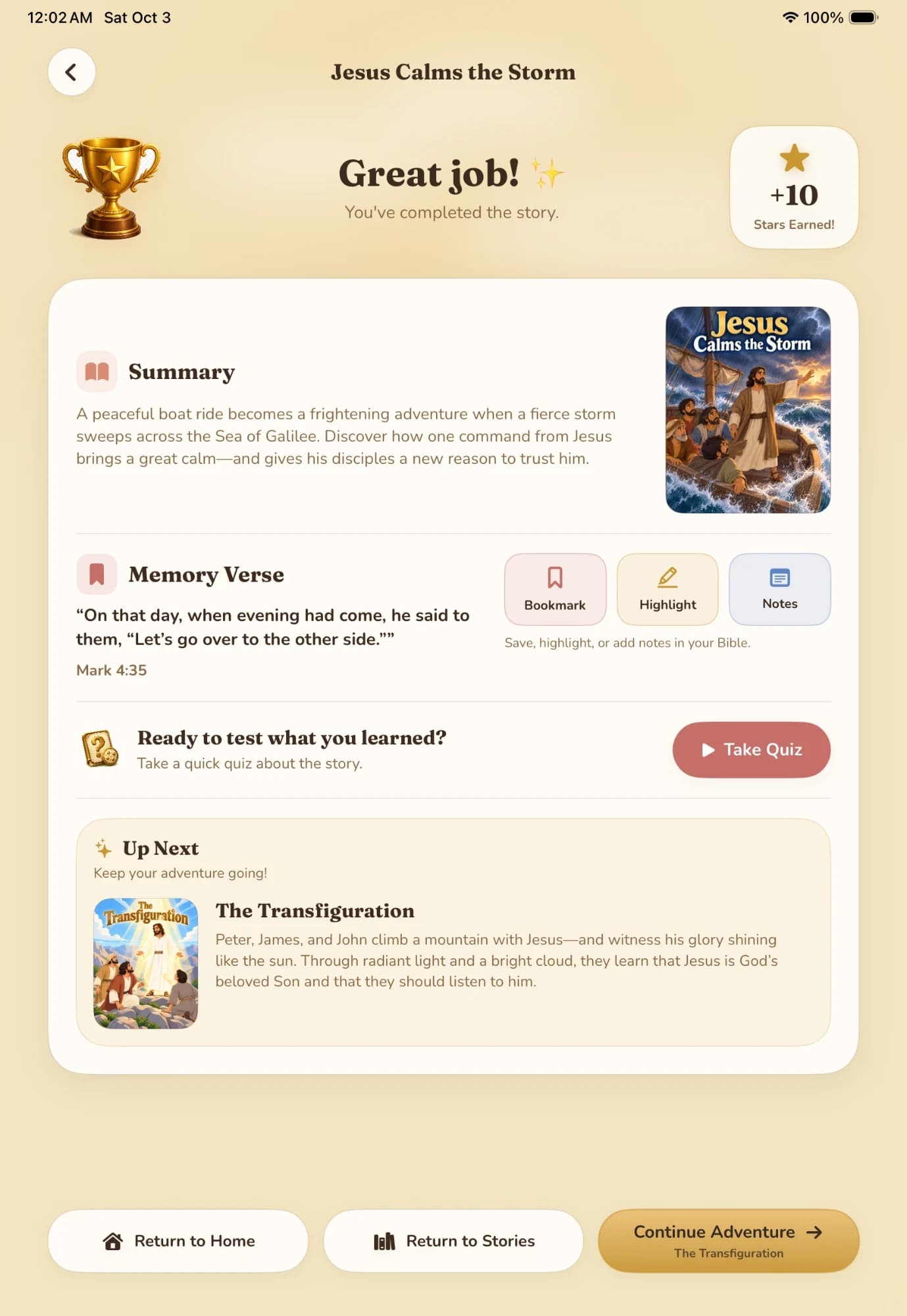
Jesus Calms the Storm · After the last page · the recap
Chapter II · Maps
Every story has a place.
From any story, the Bible Map opens where it happened. Four hand-drawn journeys to walk stop by stop, and the whole land to explore by layer.
The four journeys
- Jesus’ MinistryNew · 13 stops
- Moses and the ExodusOld · 20 stops
- Abraham’s JourneyOld · 11 stops
- The Stations of the CrossNew · 14 stops
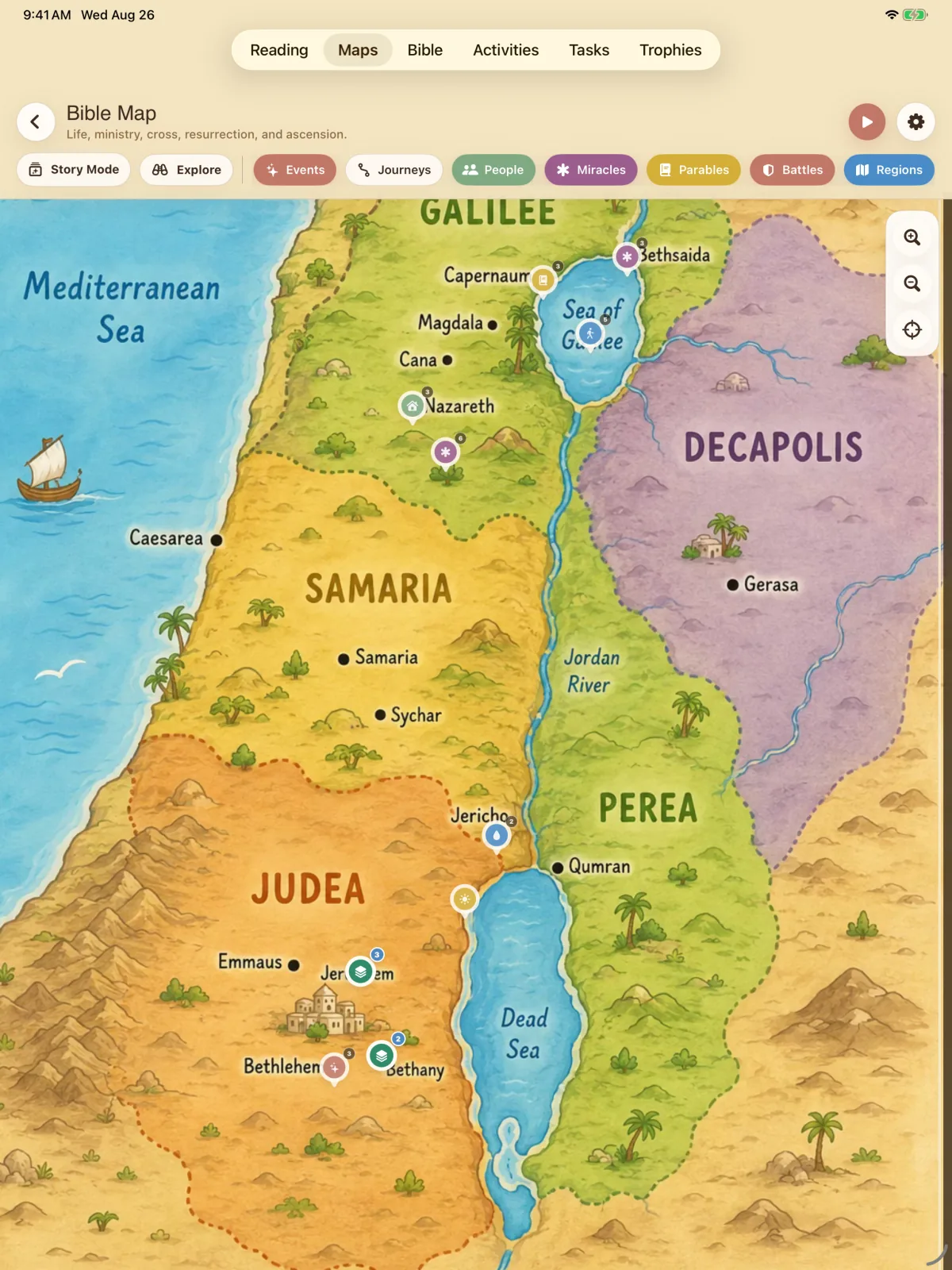
The whole landGalilee to Judea on one hand-drawn map, with every place the stories visit marked on it. Layers pick out events, people, miracles, parables, battles and regions. 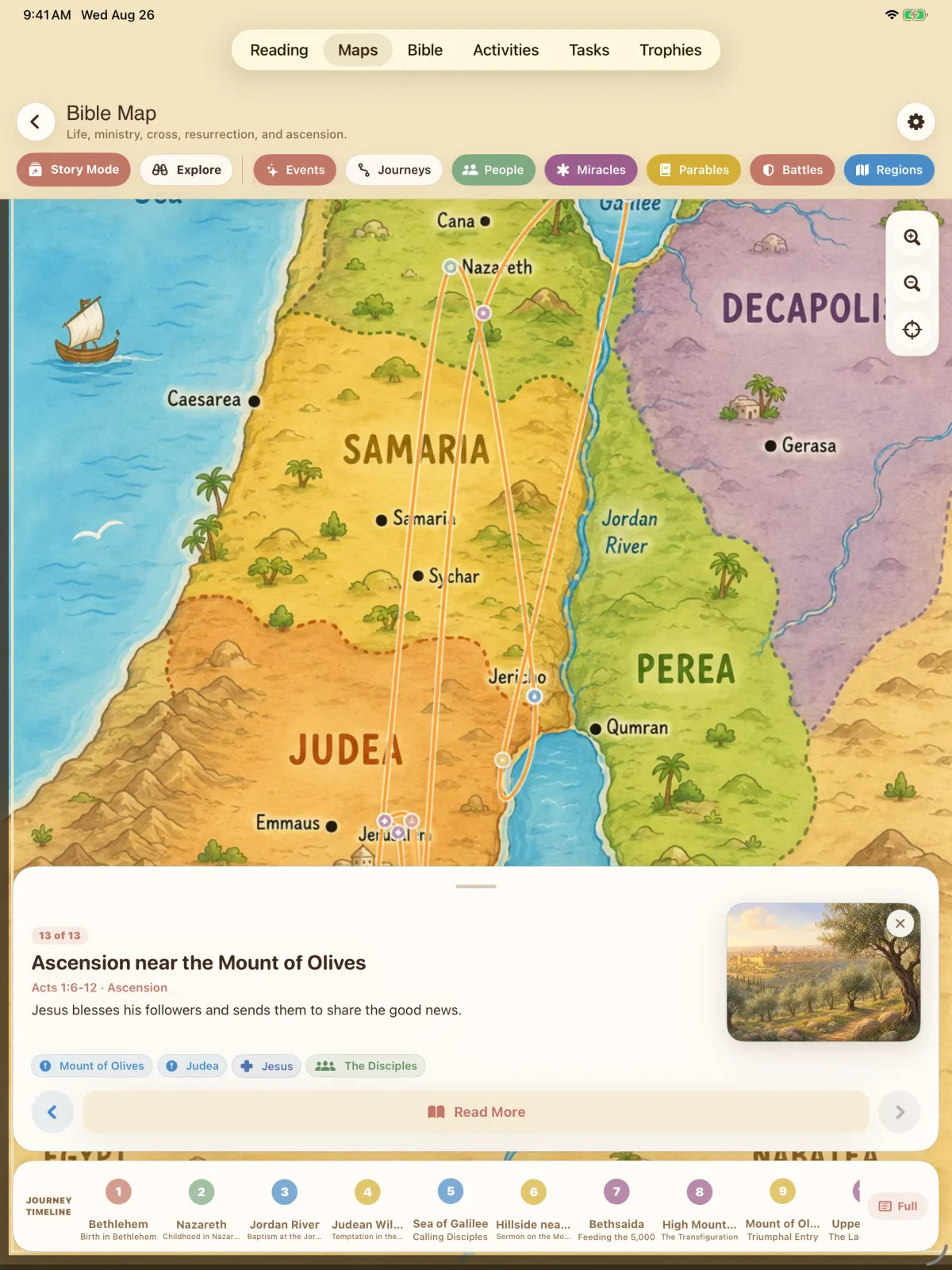
Follow the journeyStory Mode walks a journey in order. The timeline along the bottom holds every stop, from Bethlehem to the Mount of Olives. 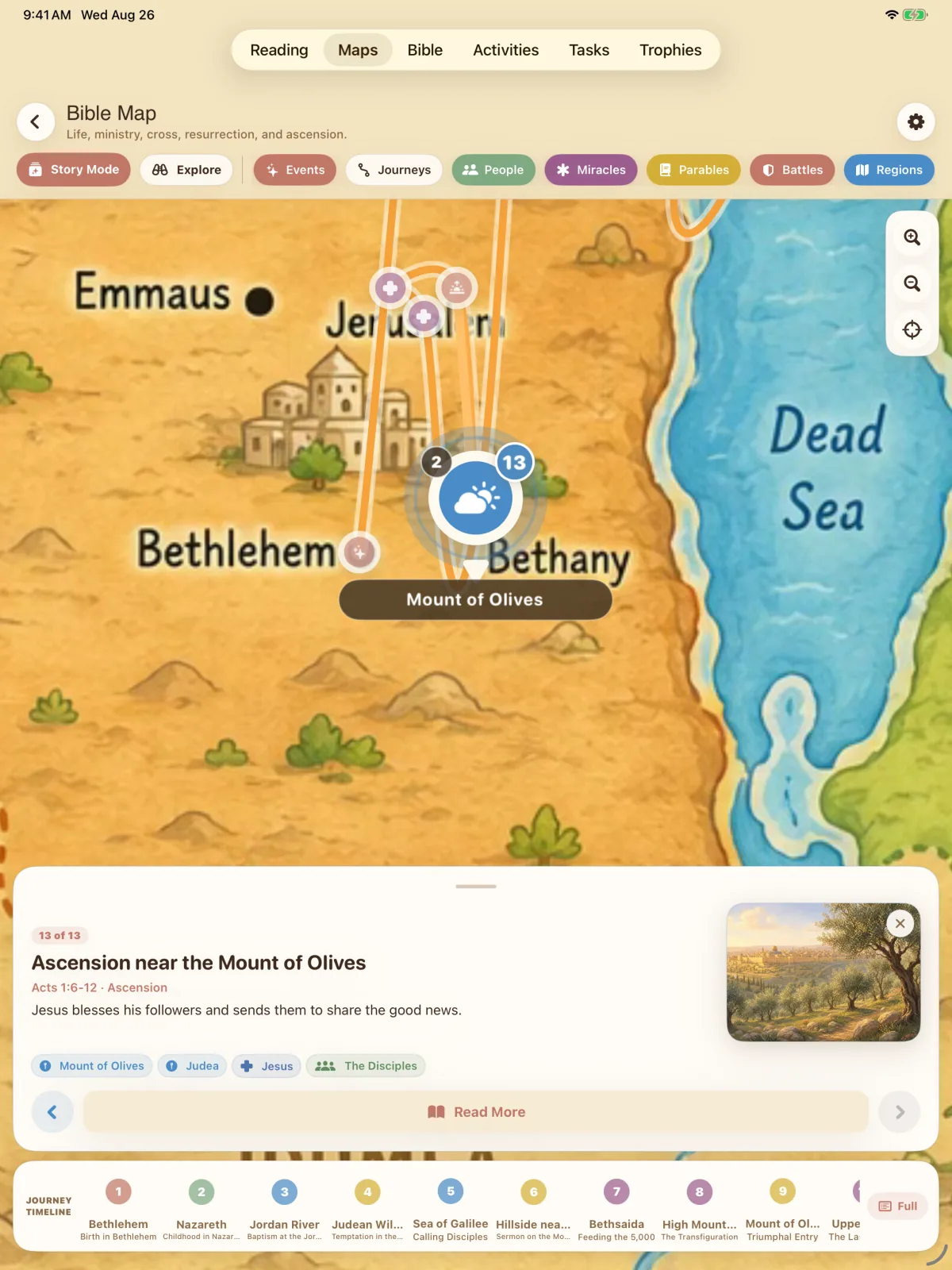
Open a stopEach stop carries its passage, the place, the people who were there, and a way back into the story told there.
Chapter III · Scripture
The Bible itself.
Beside the stories is the Bible, to read directly — verse by verse, with highlights, bookmarks and notes close at hand.
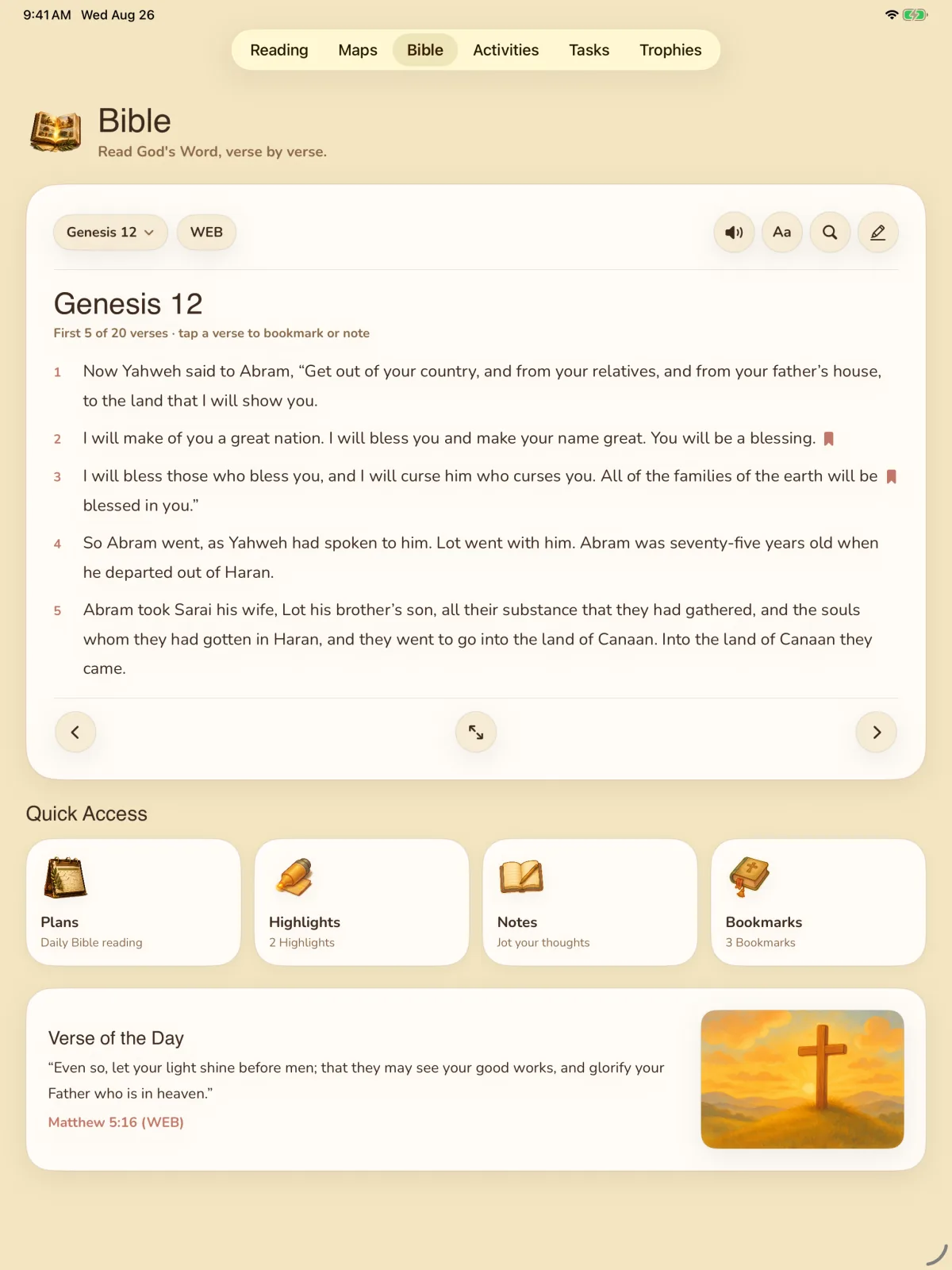
Any book, any chapter
Choose where to read. The text is the World English Bible, set verse by verse with the numbers in the margin.
Tap a verse to keep it
Bookmark it or write a note beside it. A small ribbon marks the verses you’ve saved.
Everything you’ve kept
Daily reading plans, and every highlight, note and bookmark, one tap from the page.
A verse for the day
One verse and its reference, set apart at the foot of the page.
The memory verse at the end of every story can be saved, highlighted or noted here, in your Bible.
Chapter IV · Afterwards
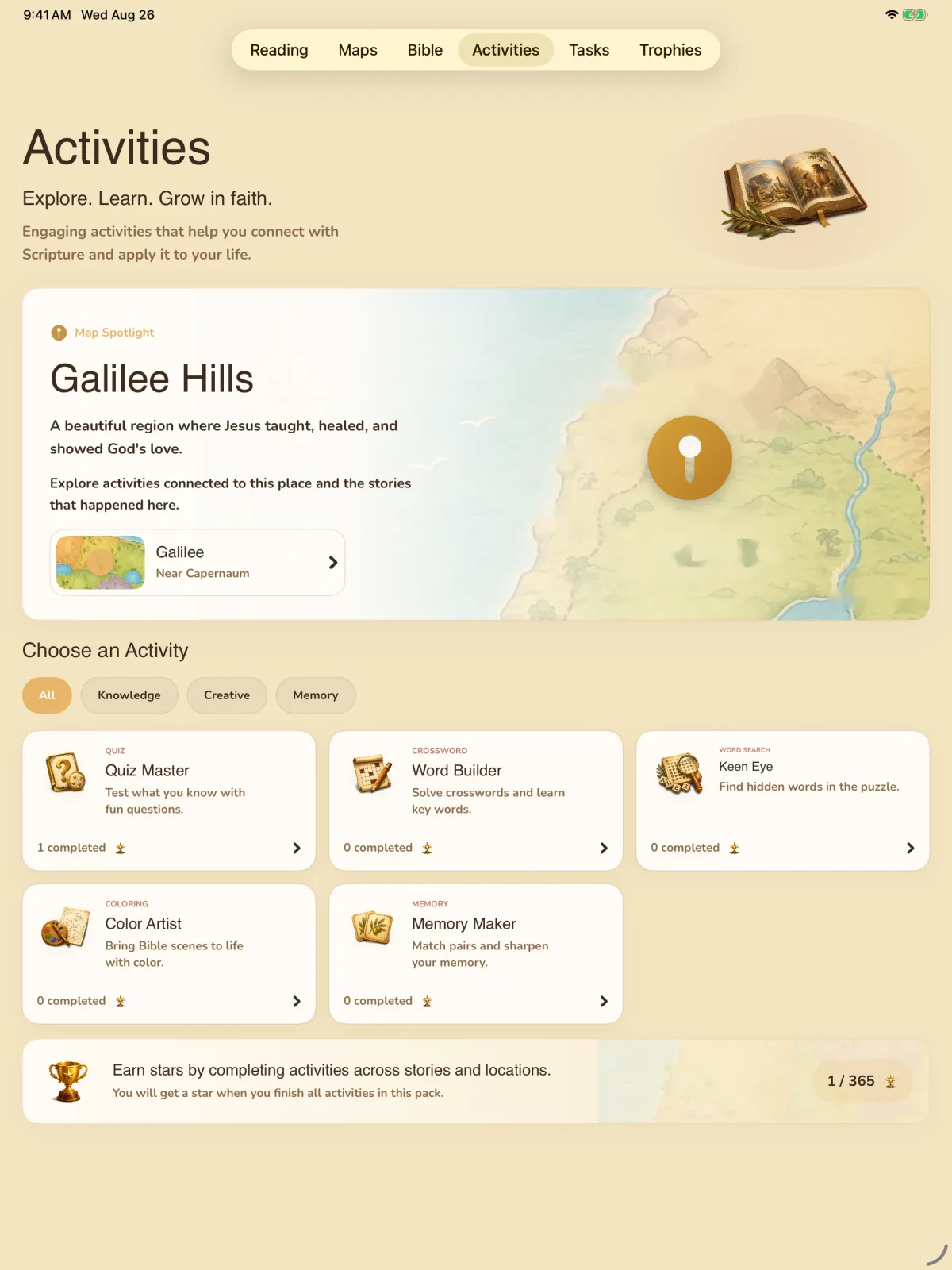
Five ways back into the story.
Every activity belongs to the story just read and to the place on the map where it happened — so finishing one is a reason to open the other.
Quiz Master
Short questions on the story just read, with the reason behind every answer.
Word Builder
Names, places and key words from the passage, pieced together letter by letter.
Keen Eye
Find the story’s names and words hidden in a word search.
Color Artist
Colour a scene from the story.
Memory Maker
Match pairs to fix the story’s people and words in memory.
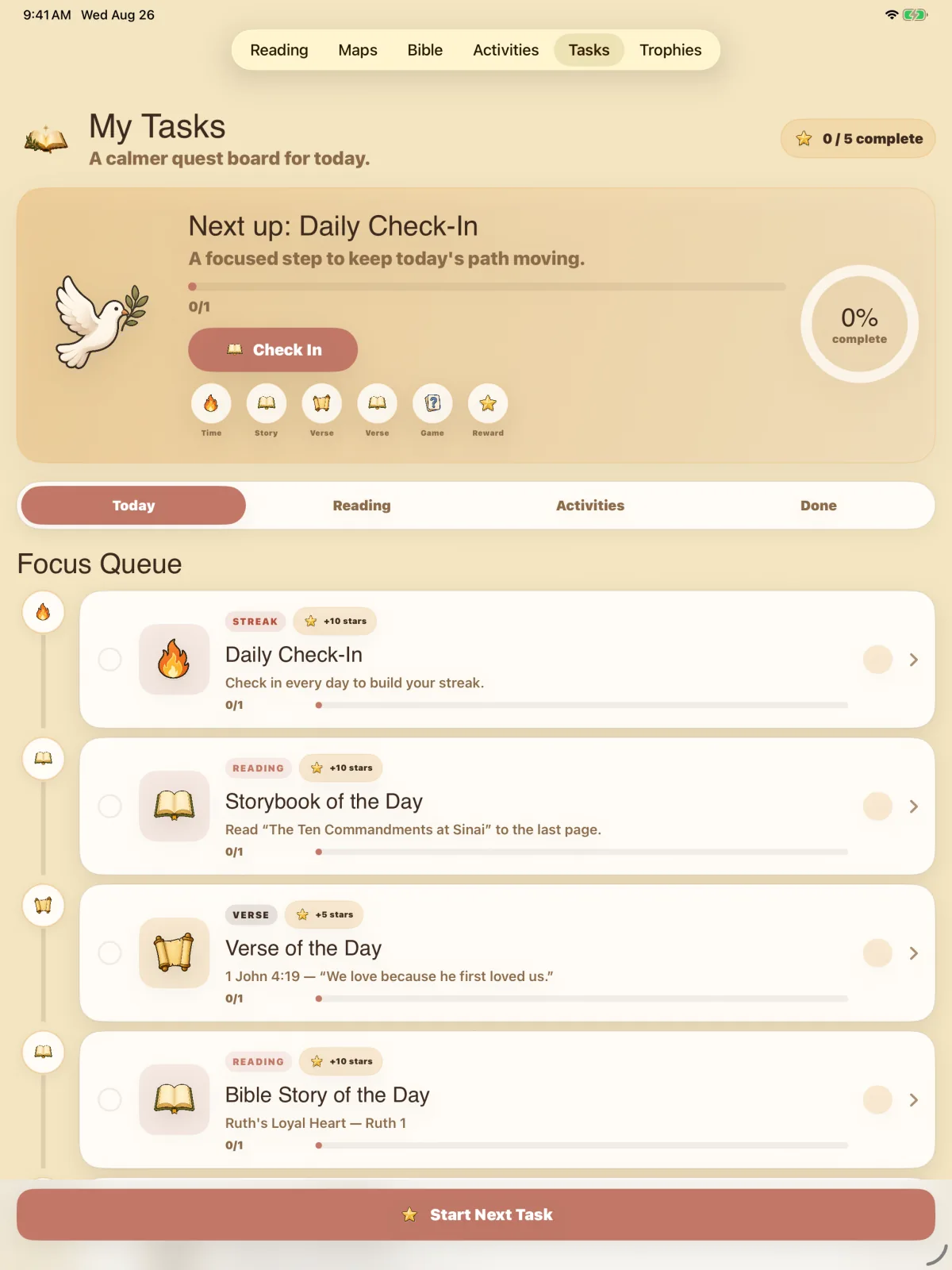
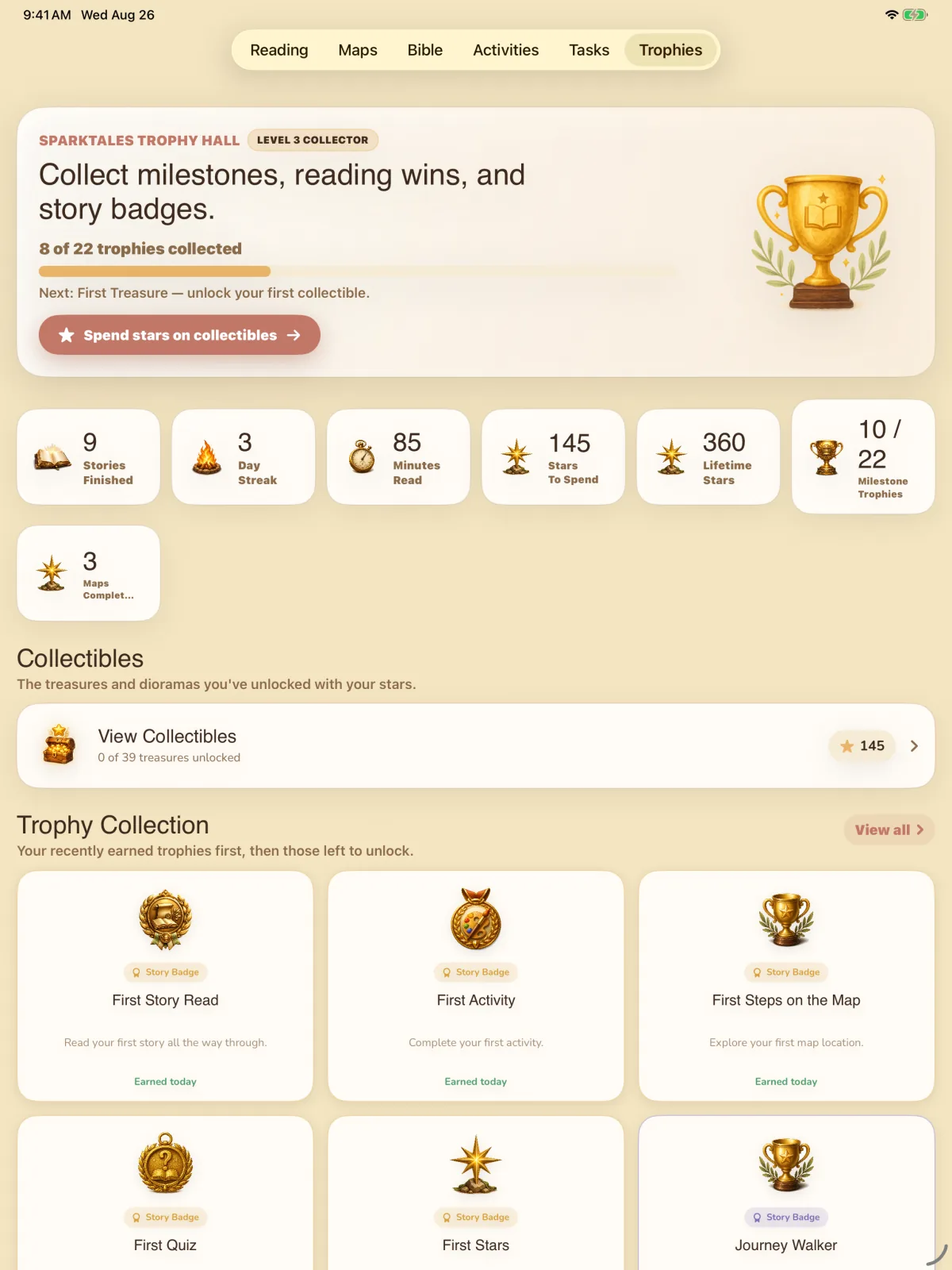
Milestones and finished journeys, kept as a record.
Progress and rewards
Nothing nags, expires overnight, or punishes a week away.
- Stories finished, minutes read, day streak and maps completed — recorded and shown.
- Twenty-two milestone trophies, stickers to earn, and stars to spend on collectible treasures.
Chapter V · Family
For the grown-ups.
The things a parent decides — who is reading, at what level, in which view, and how the app looks and sounds — with profiles and family controls kept behind a grown-up gate, and stories downloaded for when there’s no connection.
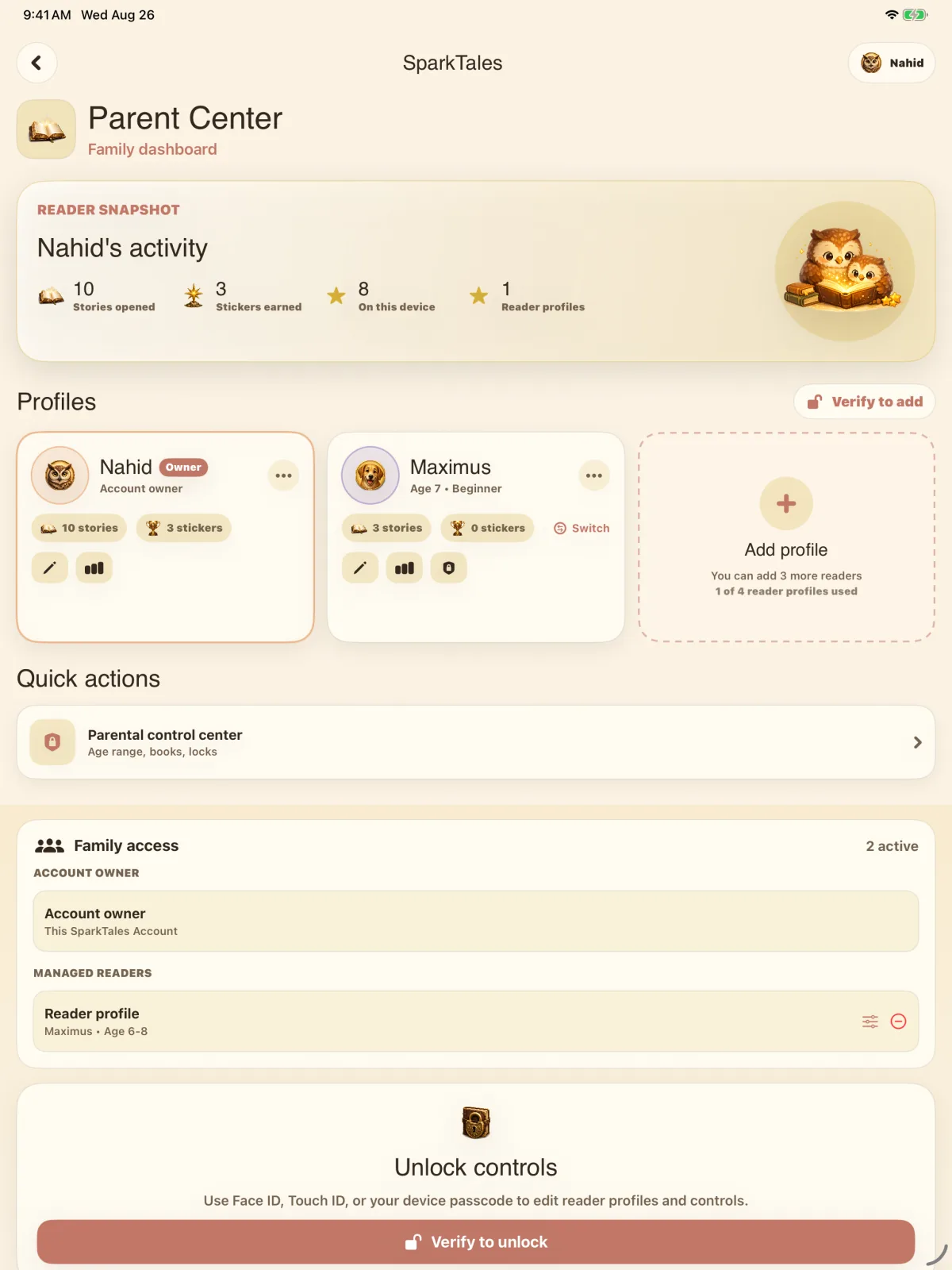
1Parent CenterWhat each reader has opened and earned, their profiles, and the family controls — locked until a grown-up opens them with Face ID, Touch ID or the device passcode.
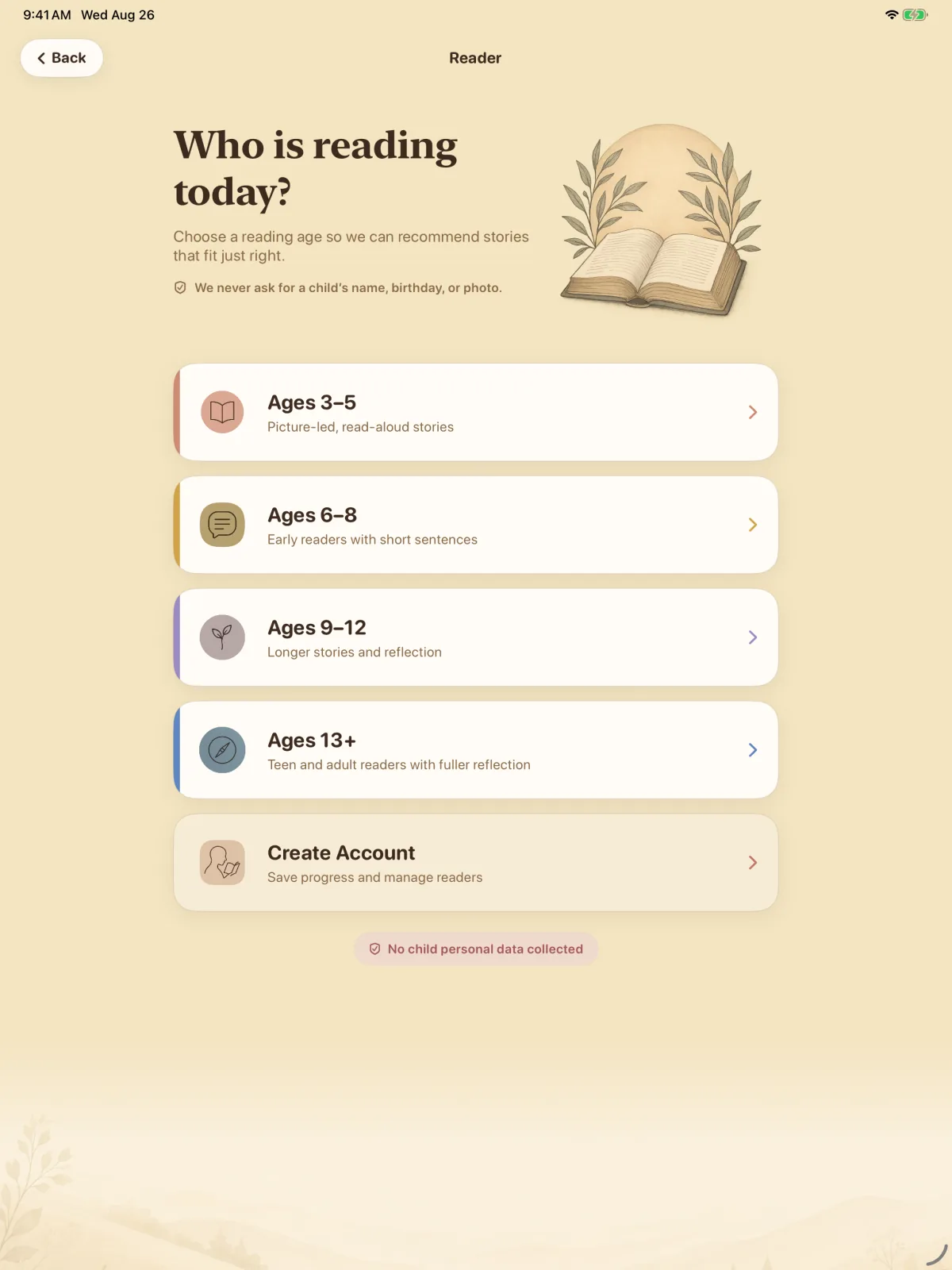
2A level for each readerAges 3–5, 6–8, 9–12 or 13+, set for each profile — from picture-led, read-aloud stories to fuller reflection for teens and adults. Choosing a level asks only for a reading age.
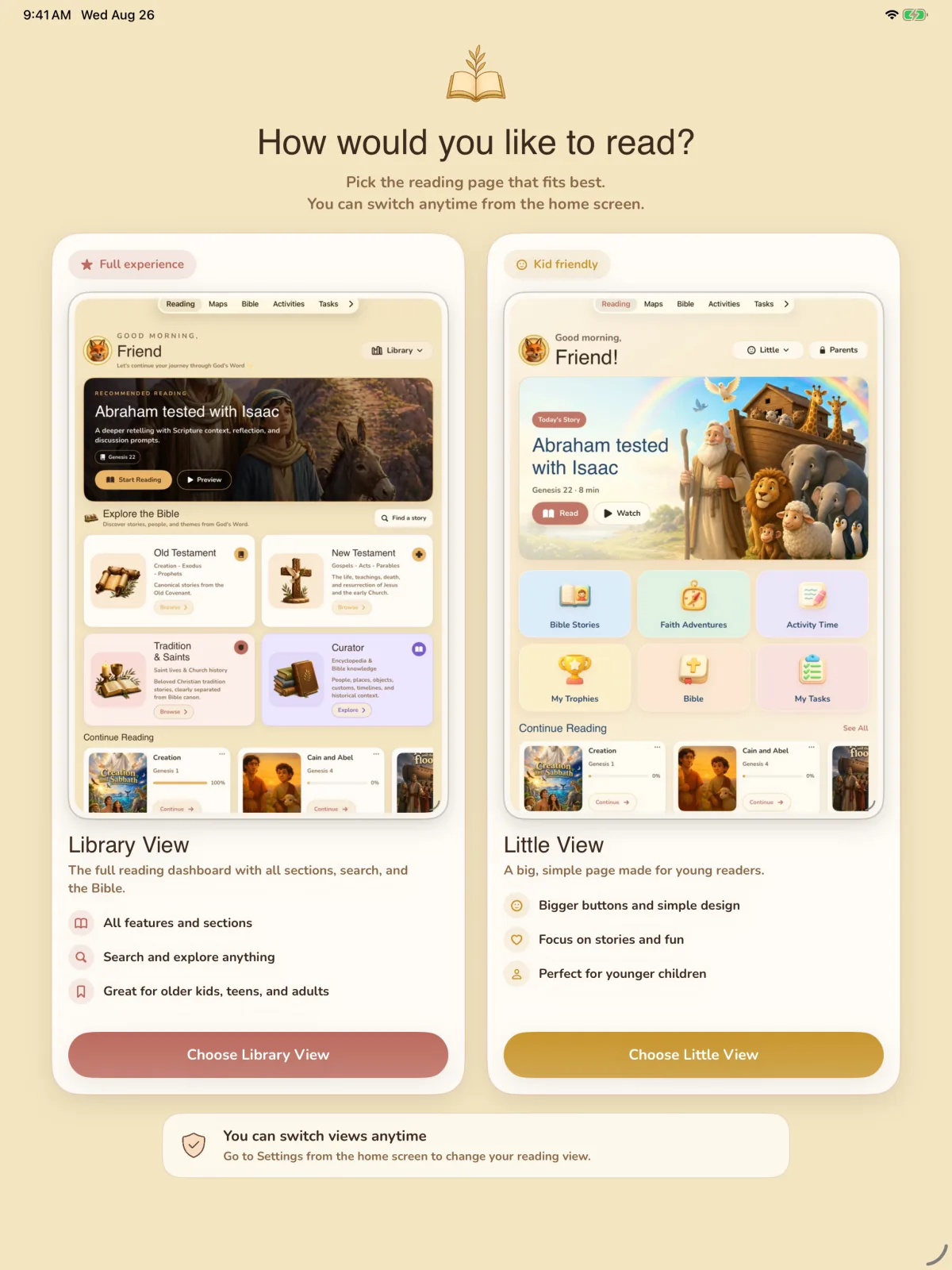
3Reading modeLibrary View is the full reading dashboard, with search and the Bible. Little View is a big, simple page for younger readers. Switch between them at any time in Settings.
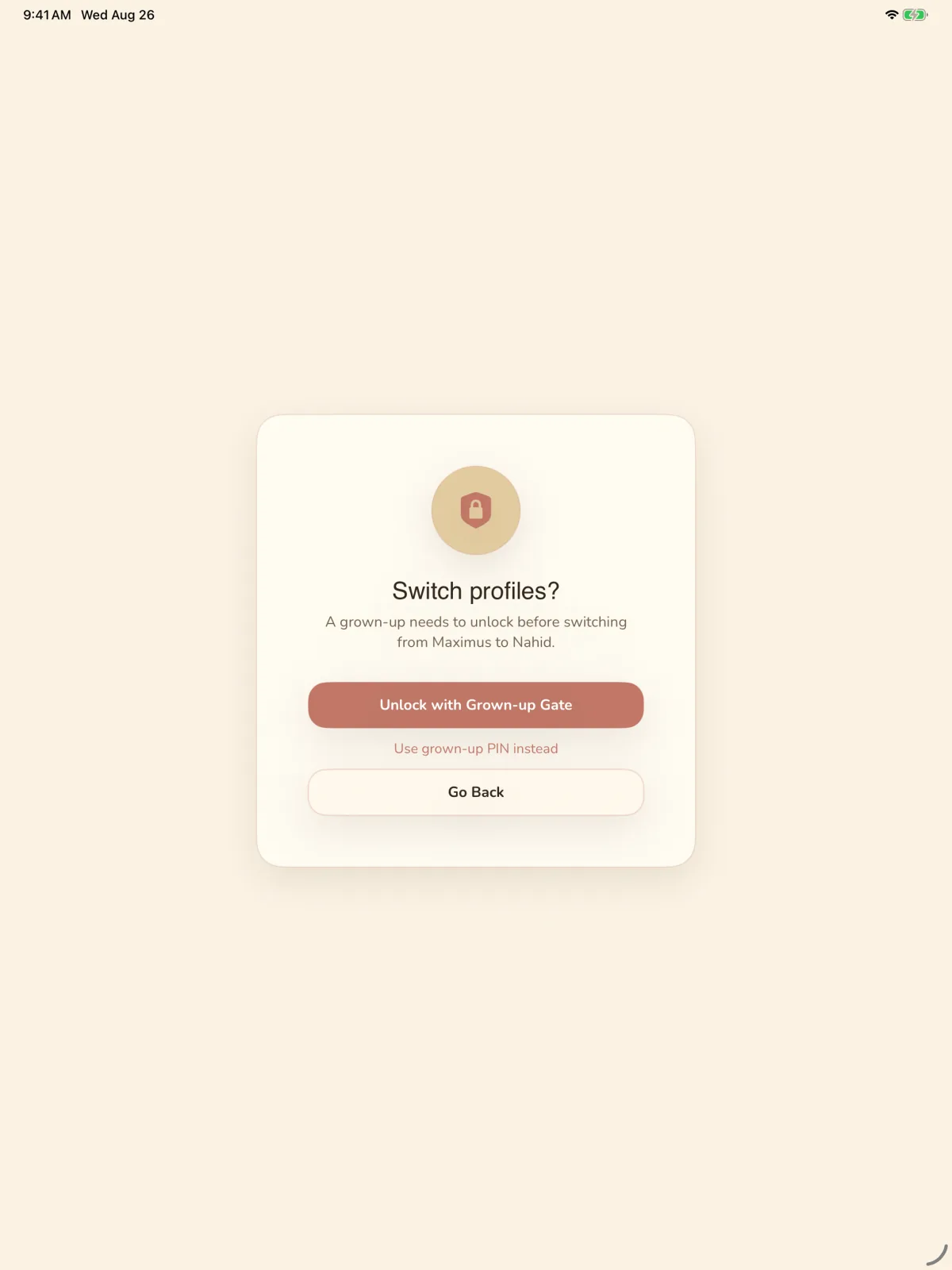
4Switch readerEvery reader in the family keeps their own place. Moving from one profile to another asks a grown-up first, through the grown-up gate or a PIN.
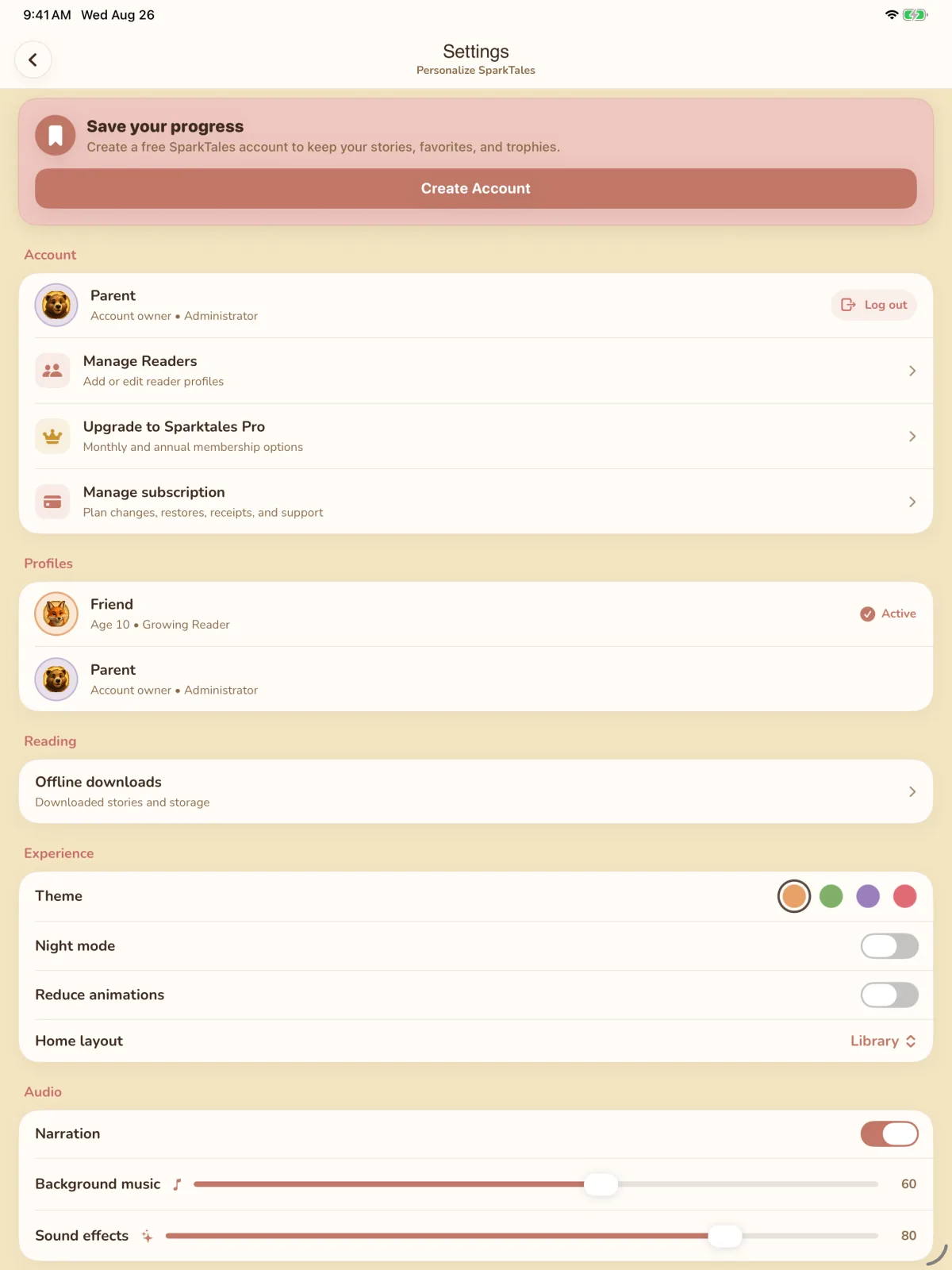
5SettingsTheme, night mode, animation and home layout; narration, background music and sound effects; and the stories downloaded for reading offline.
Scroll sideways, or use the left and right arrow keys, to move between the 5 screens.
Coming soon
For iPhone, iPad and Android.
- Coming soon on theApp Store
- Coming soon onGoogle Play
Every story in the app is in the library, with more screens from the app — stories, maps, activities and the family settings — at the foot of the page.
Open the library